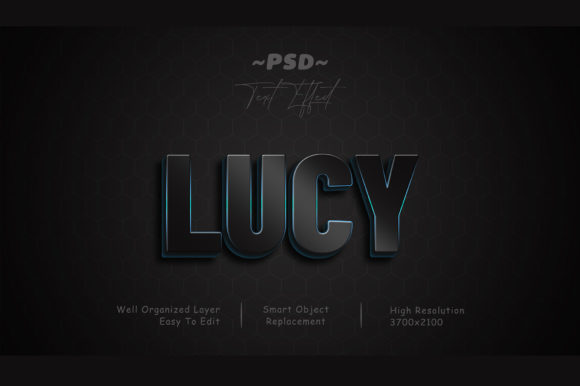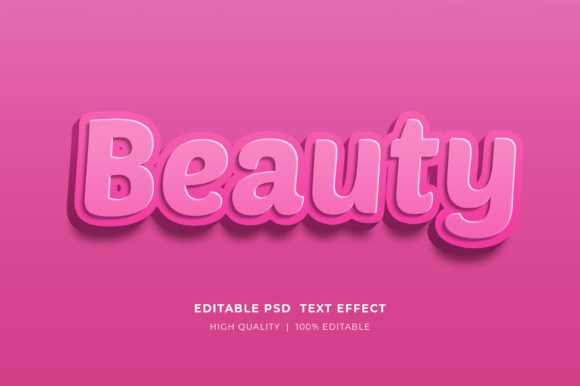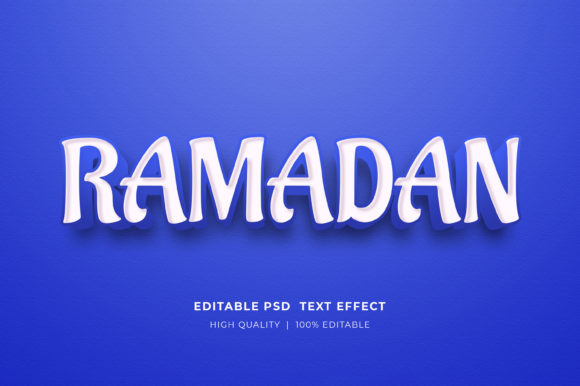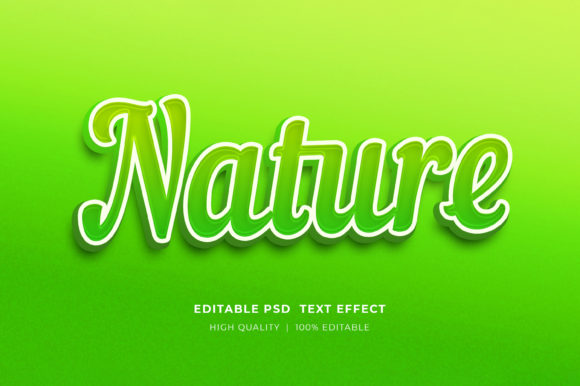
Light PSD 3D Text Effect for Stunning Designs
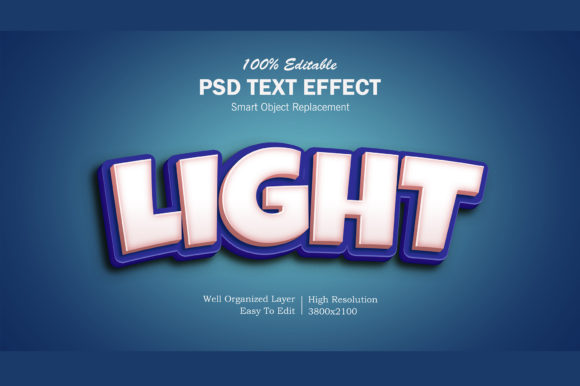
Creating visually striking text is a vital part of graphic design, whether you're putting together a poster, website banner, or social media cover. The Light PSD 3D Text Effect offers a high-quality solution that brings your text to life with a realistic three-dimensional look. Designed as a Photoshop smart object, this resource makes it easy to customize and integrate into various projects without requiring advanced technical skills. With just a few clicks, you can replace the default text and instantly see how it transforms into an elegant, glowing 3D effect.
What Is Light PSD 3D Text Effect?
The Light PSD 3D Text Effect is a layered Photoshop file (.psd) that allows users to apply a sophisticated 3D lighting effect to any text they choose. It includes all the necessary layers, textures, and adjustments already in place, so you don’t have to start from scratch. By simply double-clicking the smart object named "Your Text," users can edit the font, color, size, or even the entire message while preserving the original effect structure. This makes it an incredibly versatile tool for anyone who wants professional-grade results quickly and efficiently.
Included in the package are:
- A fully editable .PSD file
- A pre-rendered image file for quick use
- A help file (Read Me.txt) with step-by-step instructions
This setup ensures that users can work on their designs with precision and confidence, knowing that every element is well-organized and ready to go.
Why Different Audiences Care About It
While the Light PSD 3D Text Effect might seem like just another design asset, its appeal varies depending on who's using it. Let’s break down how different professionals and hobbyists might view and utilize this tool based on their needs and goals.
For Beginners: A Gateway to Professional-Looking Design
If you're new to Photoshop or graphic design, the Light PSD 3D Text Effect is a fantastic starting point. Its user-friendly nature removes the complexity often associated with creating 3D effects manually. You don’t need to understand layer styles, blending modes, or lighting techniques—just open the file, make a few edits, and save. For beginners, this means faster learning curves and more creative freedom to experiment with different fonts and colors without worrying about breaking the design.
Example: A beginner blogger could use this effect to create a catchy header for their latest post, making it stand out on platforms like Medium or WordPress.
For Experienced Designers: Efficiency and Flexibility
Professionals and seasoned designers value efficiency. The Light PSD 3D Text Effect saves them time by providing a ready-to-use template that maintains quality across multiple applications. Since everything is organized within smart objects and layers, it’s easy to tweak the design to fit specific branding guidelines or project requirements. Whether they’re working on a logo presentation or a YouTube channel banner, they can focus on creativity rather than technical execution.
Example: A freelance designer could incorporate this effect into a client’s promotional poster, adjusting the light intensity and color to match the brand's palette effortlessly.
For Creators and Content Producers: Visual Consistency Across Platforms
Content creators such as YouTubers, Instagrammers, and TikTok influencers often need cohesive visuals for their channels. The Light PSD 3D Text Effect helps maintain a consistent style across different elements like thumbnails, banners, and captions. The high-resolution output also ensures that the final images look sharp on both mobile and desktop screens.
Example: A YouTube creator might use this effect for their video titles, giving each one a polished and modern appearance that aligns with their content theme.
For Educators and Trainers: Teaching Tools with Real-World Applications
Graphic design educators appreciate resources that simplify complex concepts. The Light PSD 3D Text Effect serves as an excellent teaching aid when demonstrating smart objects, layer organization, and non-destructive editing. It also provides students with hands-on experience applying real-world effects without the frustration of trial and error.
Example: In a digital marketing course, an instructor could show students how to use this effect to create eye-catching Facebook covers for mock campaigns.
For Business Owners and Marketers: Enhancing Brand Visibility
Small business owners and marketers are always looking for cost-effective ways to elevate their promotional materials. The Light PSD 3D Text Effect delivers commercial-grade aesthetics that can be used for flyers, posters, and banners. Its versatility means it can be adapted for different campaigns, from product launches to seasonal promotions.
Example: A boutique clothing store owner could use this effect for a T-shirt design line, adding a touch of sophistication to their branding without hiring a full-time designer.
For Hobbyists and Consumers: Creative Fun Without Compromise
Hobbyists who enjoy personal projects like greeting cards or illustrations will find the Light PSD 3D Text Effect both fun and functional. It enables them to add depth and drama to their creations without investing in expensive software or training. For consumers who aren't technically inclined but still want to personalize items, this tool simplifies the process significantly.
Example: An amateur artist designing a birthday card might use this effect to create a bold, glowing title that captures attention and adds a celebratory vibe.
Key Features That Make It Stand Out
The success of the Light PSD 3D Text Effect lies in its thoughtful features, which cater to a wide range of users:
- Smart Objects: Editable text layers ensure flexibility without compromising the original design.
- High Resolution: Ideal for print and digital use, ensuring clarity at any scale.
- Well-Organized Layers: Makes navigation and customization simple, even for those unfamiliar with Photoshop.
- 100% Editable: Users can adjust colors, fonts, shadows, and lighting parameters to suit their vision.
These characteristics make it not only a powerful design tool but also a reliable one that adapts to different workflows and project types.
Practical Uses Across Industries
Let’s explore some real-world scenarios where the Light PSD 3D Text Effect can shine:
Website Elements and Banners
Web developers and marketers often require engaging headlines for landing pages or promotional banners. This effect adds a dynamic visual component that draws attention and enhances user experience. Because it's scalable and high-resolution, it works equally well for mobile and desktop interfaces.
Social Media Covers
From Facebook and Twitter to YouTube and LinkedIn, having a visually appealing profile cover is essential for building a strong online presence. The Light PSD 3D Text Effect allows you to create custom covers with minimal effort, ensuring your brand or personality stands out among competitors.
Cartoon Titles and Movie Posters
Entertainment creators, especially those in animation or independent filmmaking, benefit from this effect when crafting titles or promotional art. The glowing 3D aesthetic gives a cinematic feel that resonates with audiences seeking immersive experiences.
Poster and Flyer Design
Event organizers, nonprofits, and local businesses can use this effect to produce vibrant posters and flyers that catch the eye. The ability to change text easily makes it perfect for updating event details or campaign messages on the fly.
T-Shirt and Clothing Graphics
Custom apparel designers love tools that let them iterate quickly. With this effect, they can experiment with different phrases, fonts, and colors to find the perfect combination for their next clothing line or merchandise drop.
Priorities and Use Cases
Depending on your background and objectives, different aspects of the Light PSD 3D Text Effect may matter most:
- Beginners prioritize ease of use and intuitive workflows. They’ll appreciate the Read Me.txt guide and the fact that no prior knowledge of Photoshop is required.
- Experienced users look for flexibility and scalability. They may want to know if the effect supports custom shapes or animations beyond basic text replacement.
- Businesses care about speed and reliability. If they need a large volume of assets quickly, this effect can streamline the production process while maintaining consistency.
- Content creators value presentation and adaptability. They want effects that enhance their brand identity and can be reused across platforms without losing quality.
- Consumers and hobbyists are interested in creativity and accessibility. They seek tools that allow them to express themselves without needing a steep learning curve.
By considering these priorities, you can determine whether this resource fits your workflow. For example, someone launching a new YouTube channel might focus on the effect’s visibility and how it complements their video thumbnails. On the other hand, a web developer could be more concerned with how the effect integrates into responsive layouts.
How to Decide If It Fits Your Needs
To evaluate whether the Light PSD 3D Text Effect is right for you, consider the following questions:
- Do I need a quick way to add a 3D glow effect to my text without deep Photoshop knowledge?
- Will I be reusing the same effect across multiple projects or platforms?
- Am I looking for a high-quality design resource that doesn’t compromise on resolution or detail?
- Can I benefit from a tool that’s easy to modify yet retains a professional finish?
If you answered “yes” to any of these, then this effect could be a valuable addition to your toolkit. It’s particularly useful for those who work on tight deadlines or manage multiple design tasks simultaneously.
Final Thoughts
The Light PSD 3D Text Effect bridges the gap between simplicity and sophistication in design. It empowers users of all skill levels to create compelling visuals without getting bogged down by complex settings. Whether you're a marketer preparing for a launch, a teacher helping students learn, or a hobbyist exploring creative possibilities, this resource adapts to your needs and enhances your output. Its balance of usability and quality makes it a standout choice for anyone aiming to elevate their text-based projects with a touch of professionalism and flair.